 STEM
Technology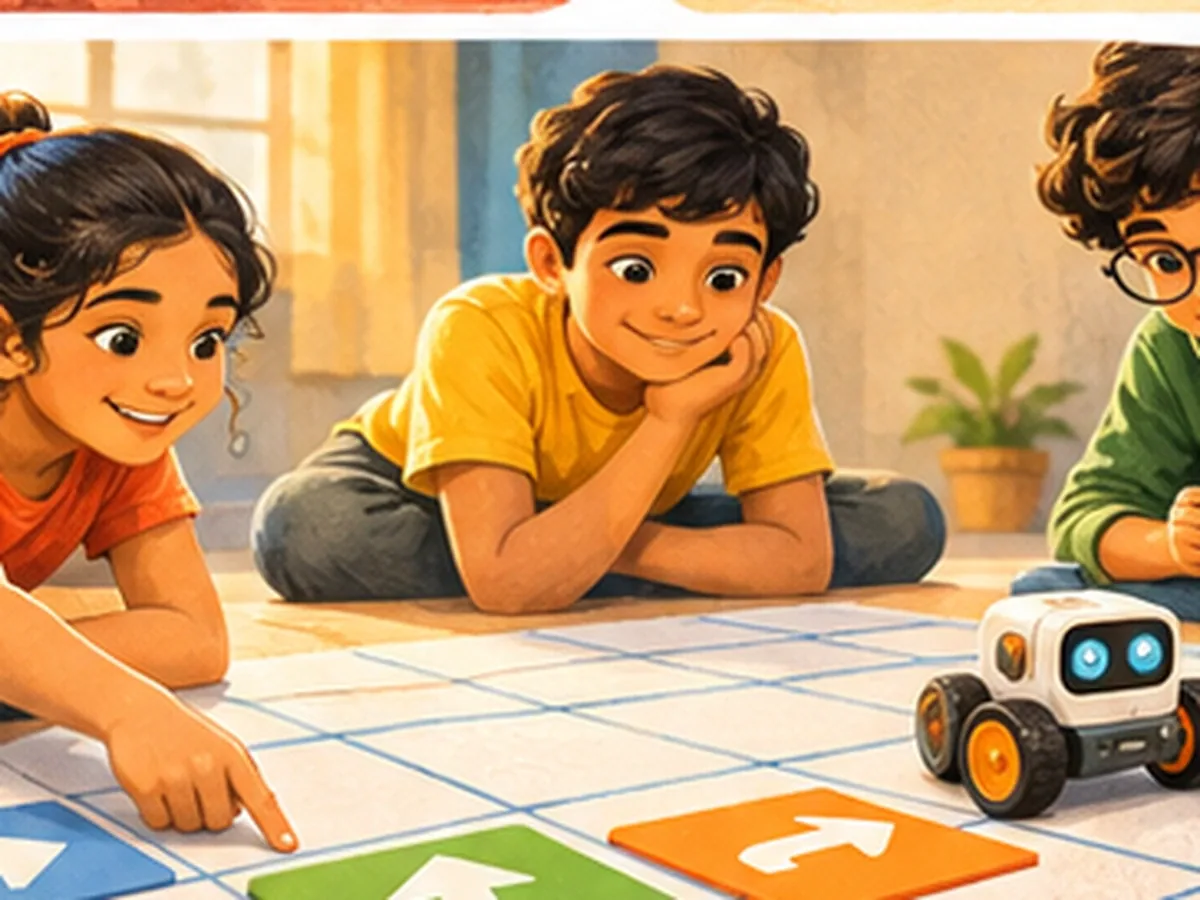
Think like a coder
Plan a set of clear instructions, run them, and debug what goes wrong. The same logic sits behind every app children use.
See the projectTechnology is thinking in clear steps. Children plan instructions, run them, find what went wrong and fix it, the same way every app they use was built.
Each arrow block is one step. Children plan the order before anything moves.
The robot follows the blocks exactly, so any mistake in the logic shows up straight away.
Swap one block and try again. Debugging is a normal part of building, not a failure.
Topics shown are examples of what Technology sessions can cover. They always sit inside a hands-on project.
Putting steps in the right order so a machine can follow them.
Spotting what repeats and telling the computer just once.
If this happens, do that: logic children use every day.
Debugging as a way of thinking, and a normal part of building.
Sensors, screens and apps, and the ideas inside them.
Using tools with care for yourself and for others.
Each of these is the kind of question a session can open with. Children pick the one they most want answered.
How does a robot know where to turn?
What is a bug, and why is it normal?
How does a traffic light decide?
Can you explain a game to a computer?
The same four steps run through every STEM subject, so children always know what comes next.
Begin with a problem a computer could help solve, like guiding a robot across a room.
Break the task into small steps and try them out one at a time.
Put the steps together as a working sequence, game or program.
Find the bug, fix it, and explain why the fix works.
A small robot sits at one end of a grid mat and a sticker sits at the other. Children plan the route with arrow cards, then run it. It usually bumps into a wall. Nobody is told off. The group looks at the cards, finds the step that was wrong, fixes it and runs again. By the third try, they are explaining the mistake to each other, and that is the real lesson.
Projects are how children practise these skills, and each one shows up in the next project too.
Plan a set of clear instructions, run them, and debug what goes wrong. The same logic sits behind every app children use.
See the projectThe ideas stay the same. What changes is how much of the thinking the child does on their own.
Putting steps in a sequence that a machine could follow.
Using loops and if-then rules so a plan does more with fewer steps.
Making a small game or tool, then testing it on other people.
Tell us about your child, and we'll share how PIXO STEM can fit their curiosity.
Enquire about STEM